

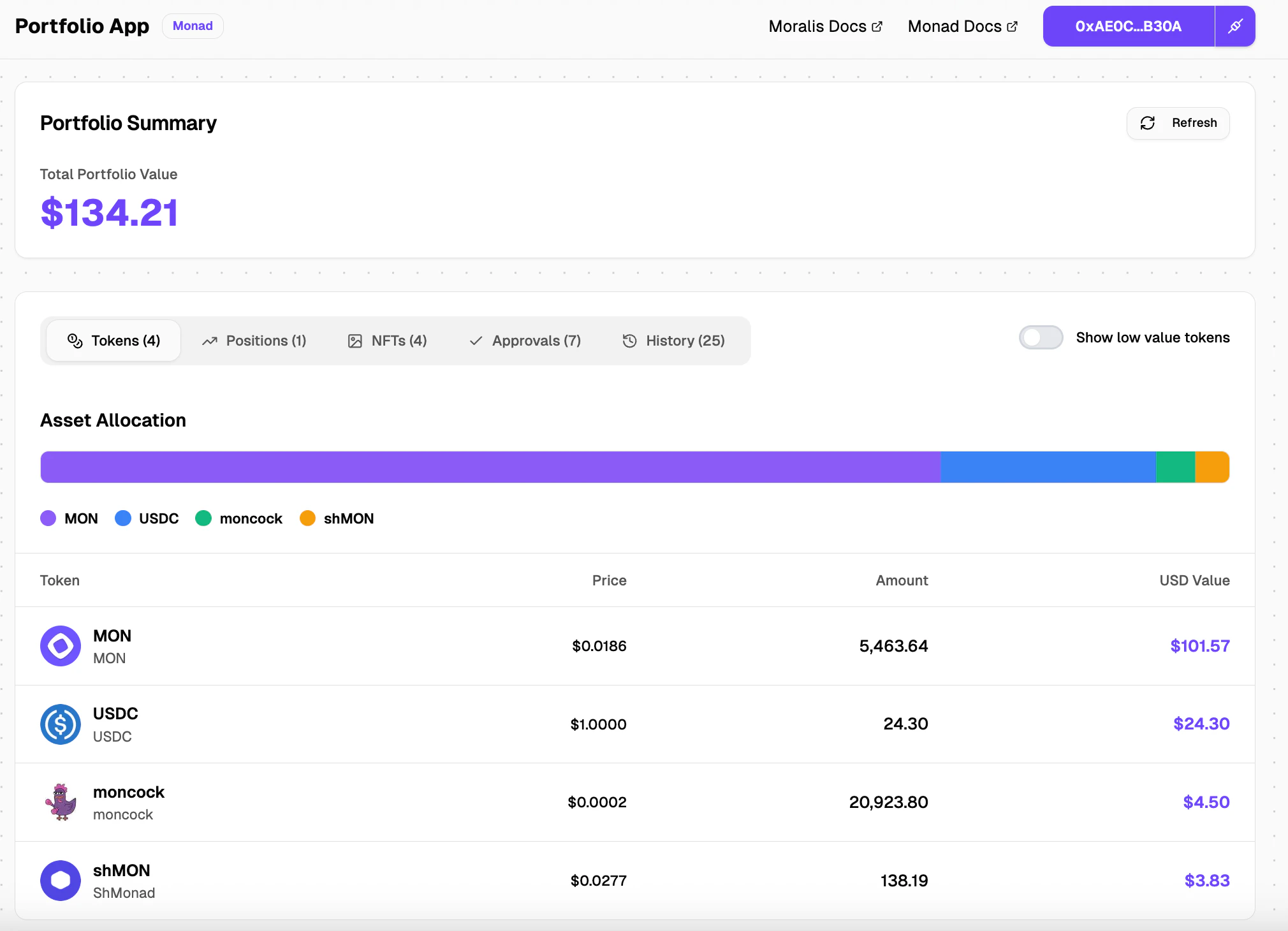
If you wish to try the portfolio viewer before building it, you can do so here
Requirements
Before you begin, you’ll need:- Moralis API Key: Get it from Moralis Dashboard
- Reown Project ID: Get it from Reown Cloud
- You can also check out the Reown AppKit guide for Monad
Step 1: Initializing the project
Create Nextjs app
Install ShadCN components
Install Tanstack React Query (for better async state management)
Step 2: Environment Setup
Add your Moralis API key and Reown Project ID to.env.local:
Step 3: Connect Wallet functionality
Create the ContextProvider component
Create a folder named context in the src directory, inside the folder create a file named index.ts
src/context/index.ts
Wrap the app with ContextProvider component in layout.tsx
src/app/layout.tsx
Create a custom ConnectButton
Create a file in components/wallet folder named ConnectButton.tsx
src/components/wallet/ConnectButton.tsx
useAppKit and useAppKitAccount hook for creating a custom connect button instead of the standard one provided by Reown AppKit.
Create a Header component with custom ConnectButton
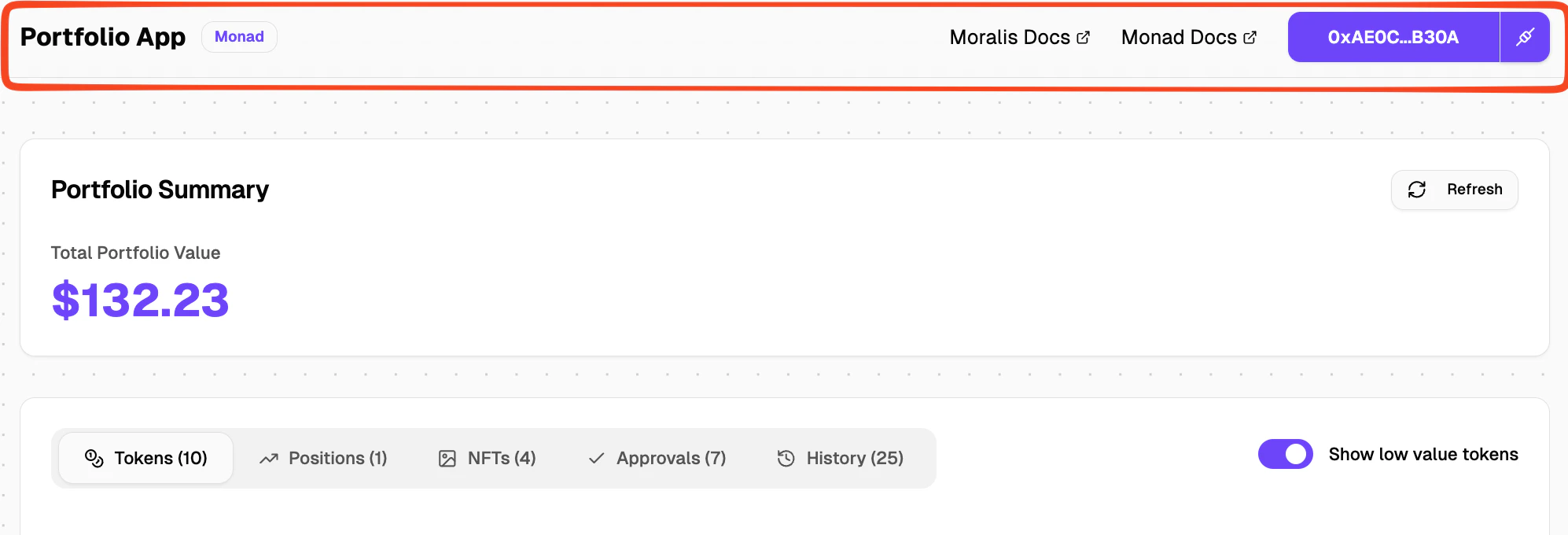
Header.tsx in src/components/layout folder and import the newly created ConnectButton component into it.
src/components/layout/Header.tsx
Header component in layout.tsx
src/app/layout.tsx
Step 4: Fetching connected wallet token balances
Creating a /api/wallet/balances route
Create a file named route.ts in the folder src/app/api/wallet/balances/
We are using the “Get Native & ERC20 Token Balances by Wallet” Moralis API endpoint to get the token balances. You can find the endpoint docs here.
It takes in an address and a chain id and returns a list of ERC20 tokens (including Logo, Name, Symbol) and native balance of the address.
src/app/api/wallet/balances/route.ts
Create a react hook called useTokenBalances
This react hook calls the /api/wallet/balances/ endpoint that you created and gets the token balances data, formats it into a proper list and makes it available to consume in the frontend.
src/hooks/useTokenBalances.ts
Step 5: Creating the UI
Create a TokenRow component
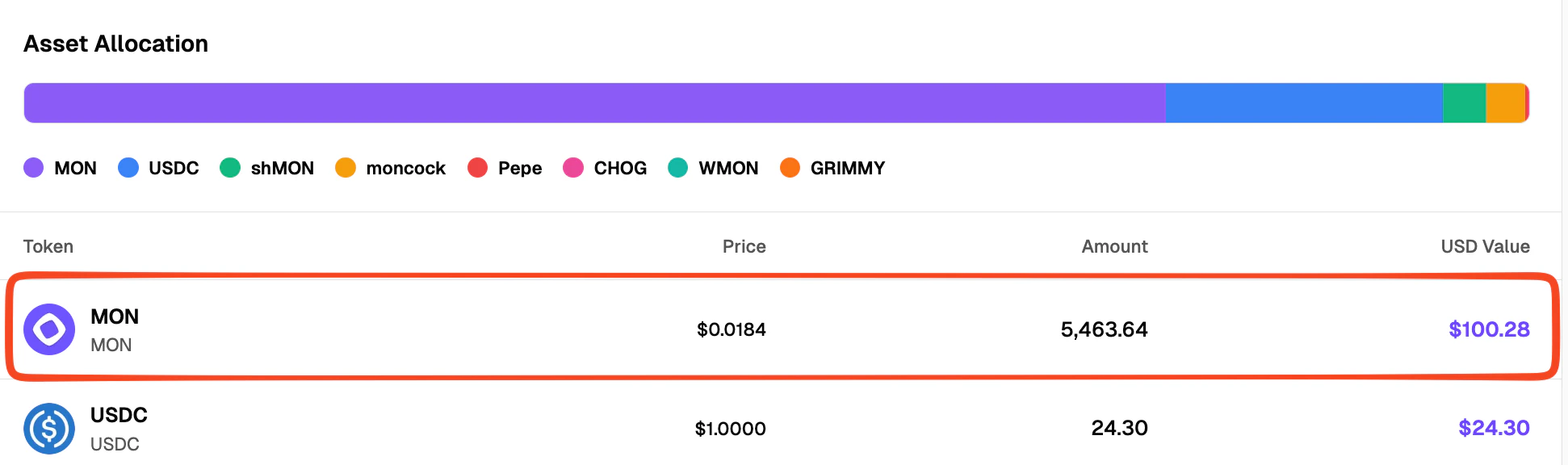
TokenRow component will display token details like name, symbol, logo, usd price, amount of tokens in connected wallet and the usd value.
Create a file named TokenRow.tsx in the folder src/components/portfolio/tokens/
src/components/portfolio/tokens/TokenRow.tsx
Create a TokenList component
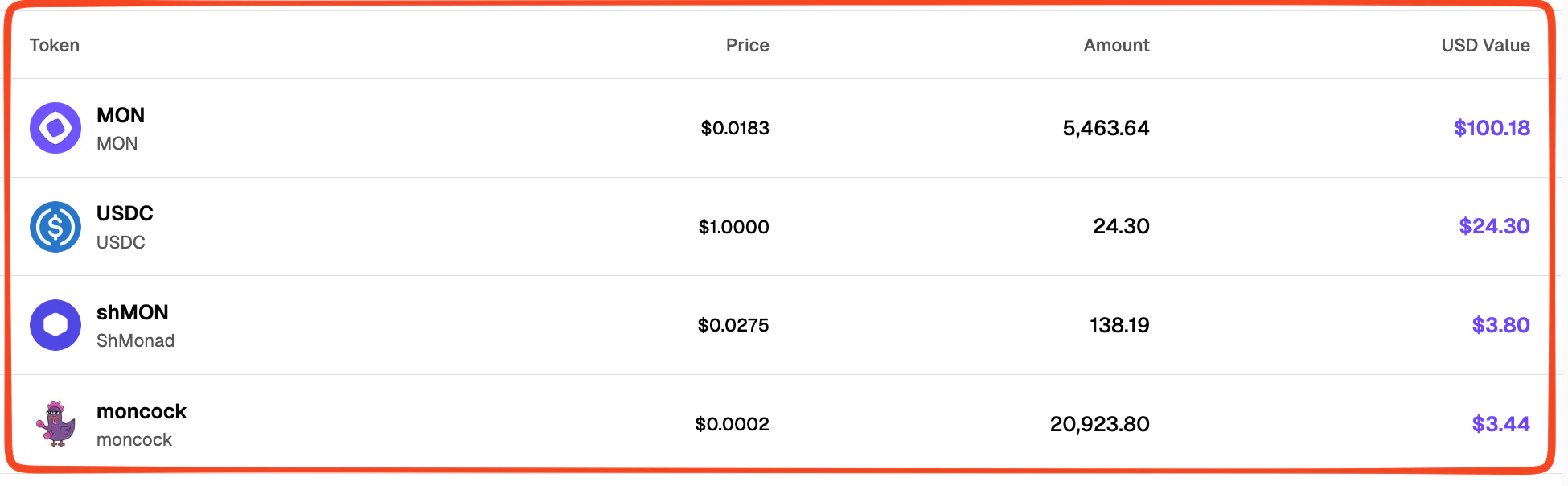
TokenList.tsx file in src/components/portfolio folder and import the newly created TokenRow.tsx component in it.
src/components/portfolio/TokenList.tsx
Create a PortfolioDashboard component
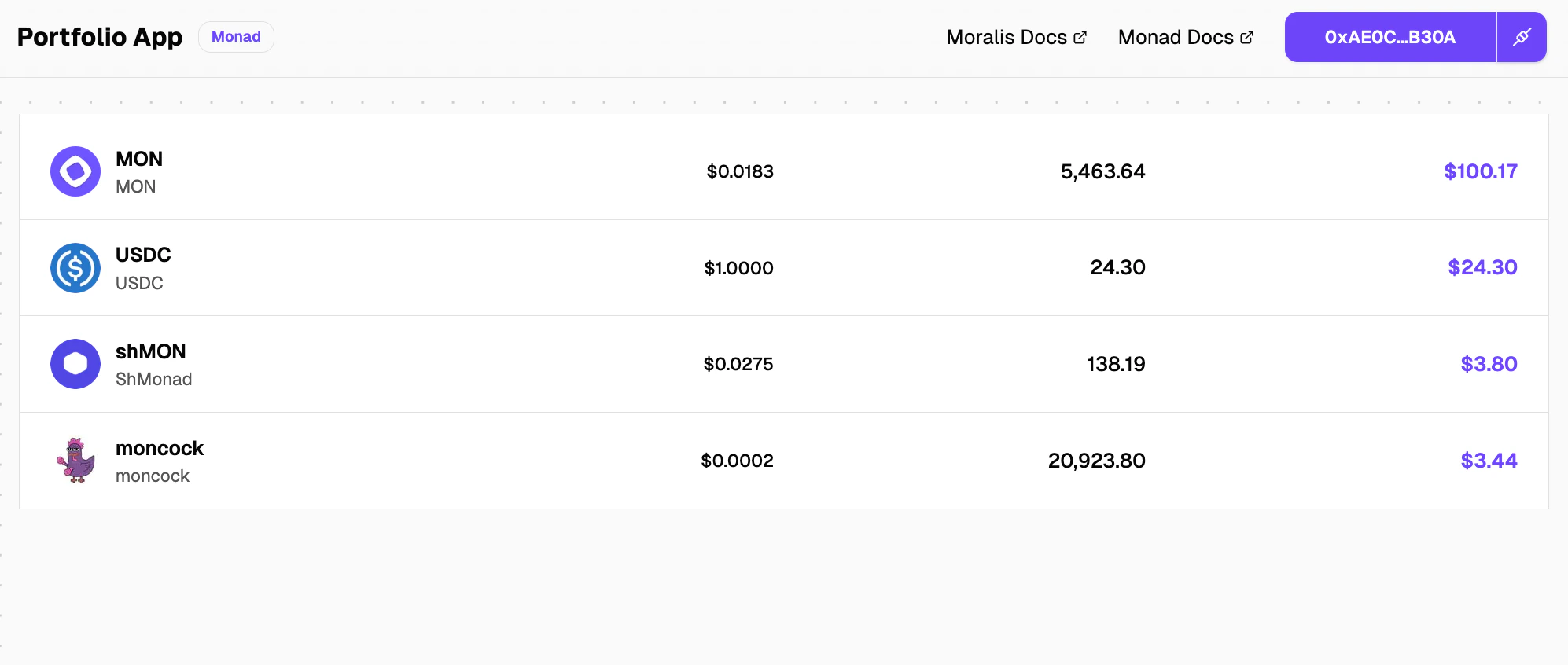
PortfolioDashboard component will display the TokenList and can be further modified to have more components presenting information that you would like your user to see.
src/components/portfolio/PortfolioDashboard.tsx